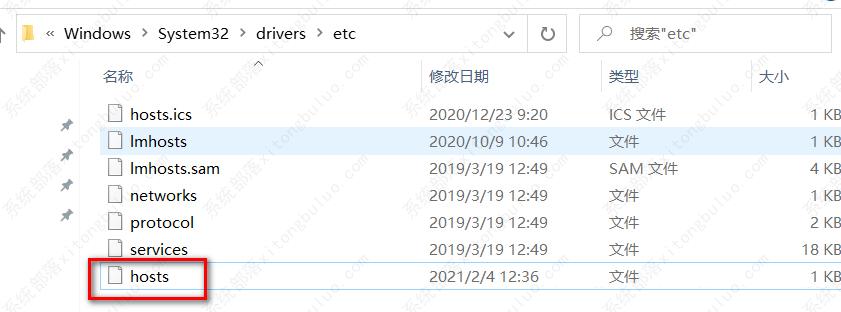
hosts文件能够帮助用户将常用的网址域名与其对应的IP地址建立一个关联“数据库”,但是最近有用户发现自己的hosts文件被删除了,这该怎么办? 不要着急,下面小编就来介绍一下hosts文件的恢复方法。
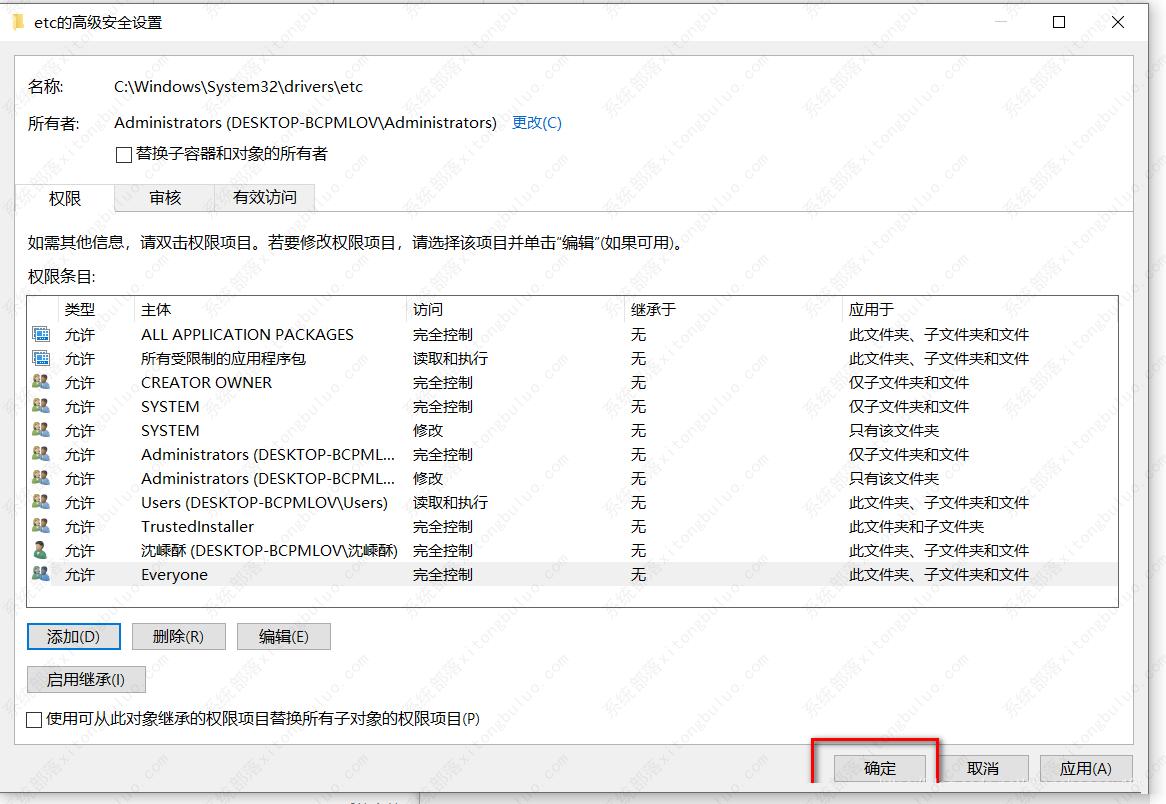
一、给etc目录授权
进入c:\windows\system32\drivers\etc
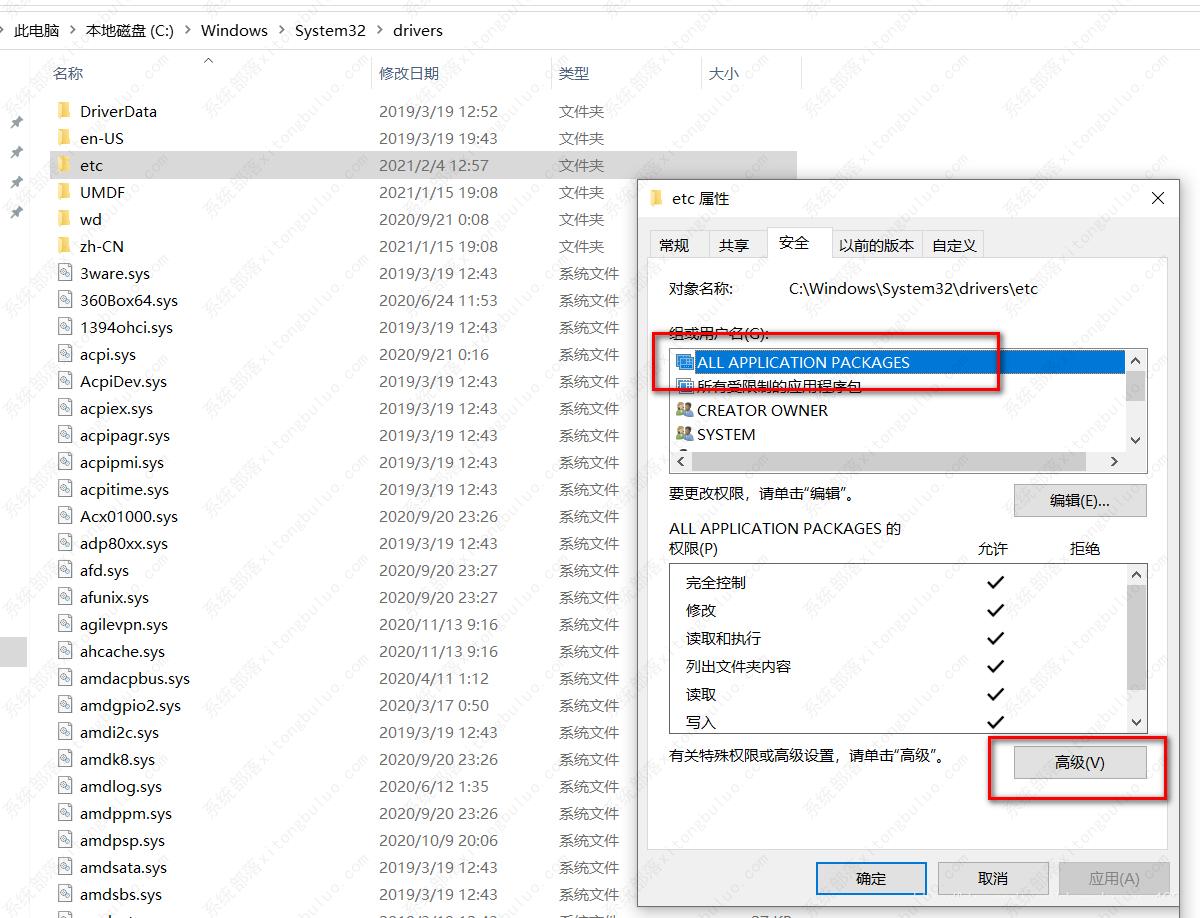
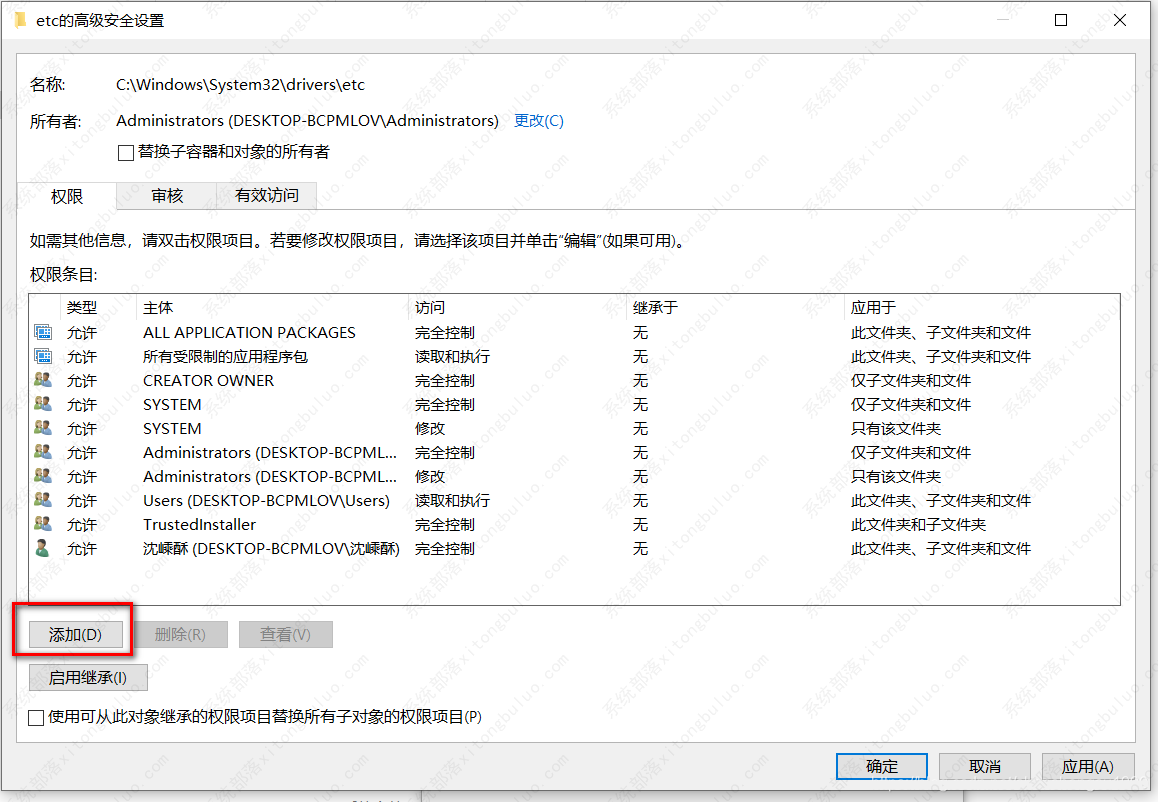
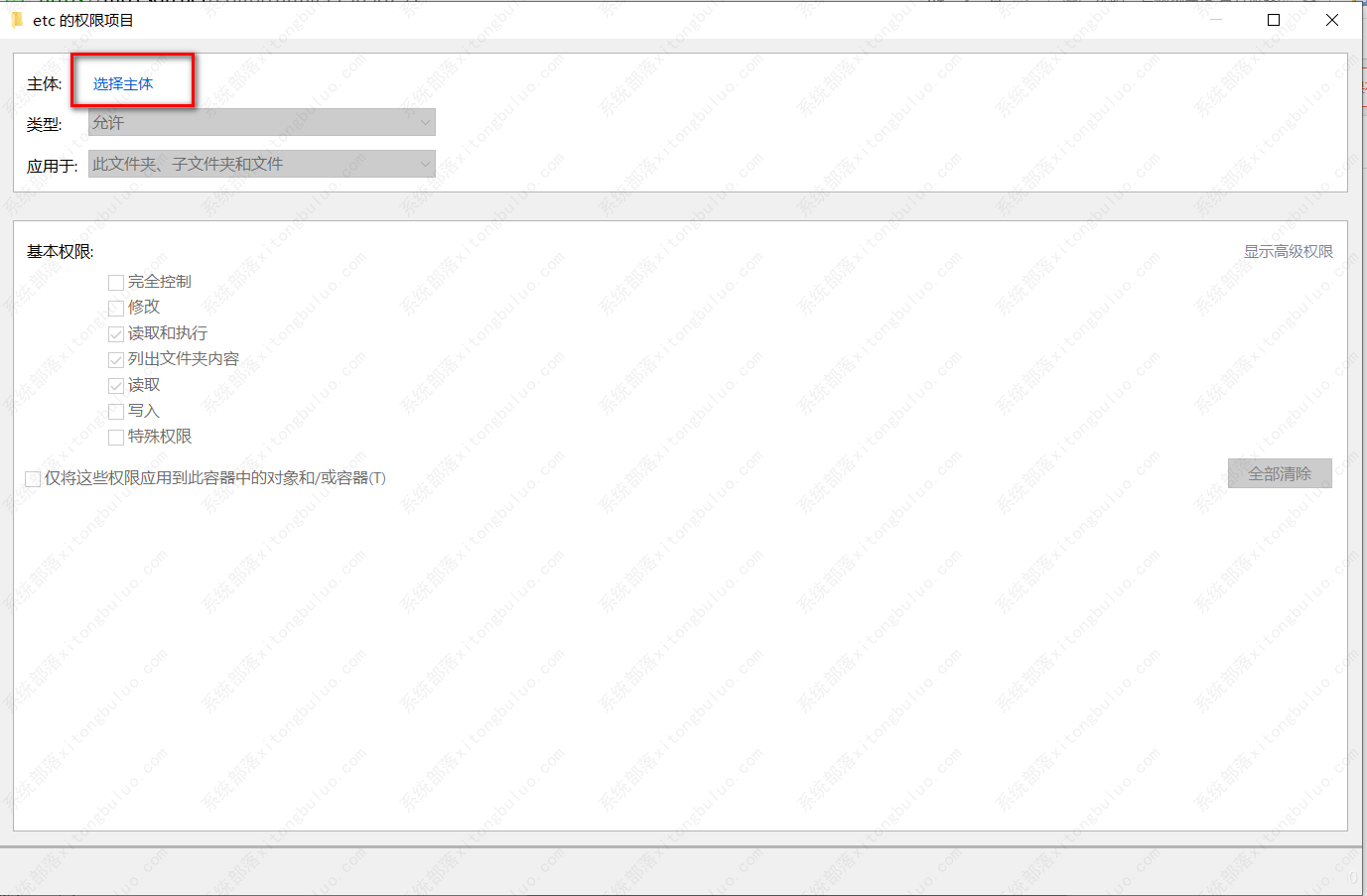
选中etc目录,右键-属性-高级
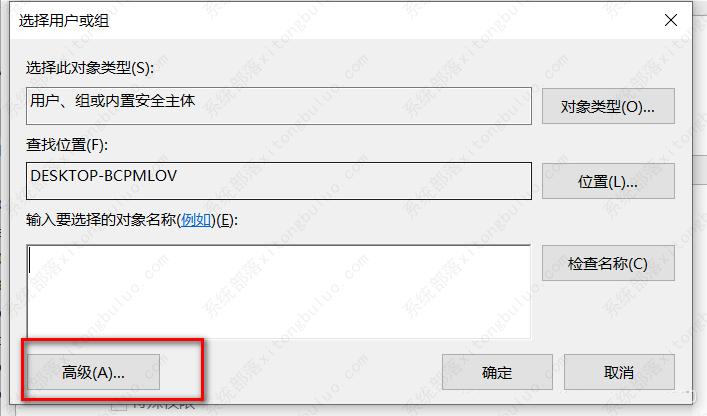
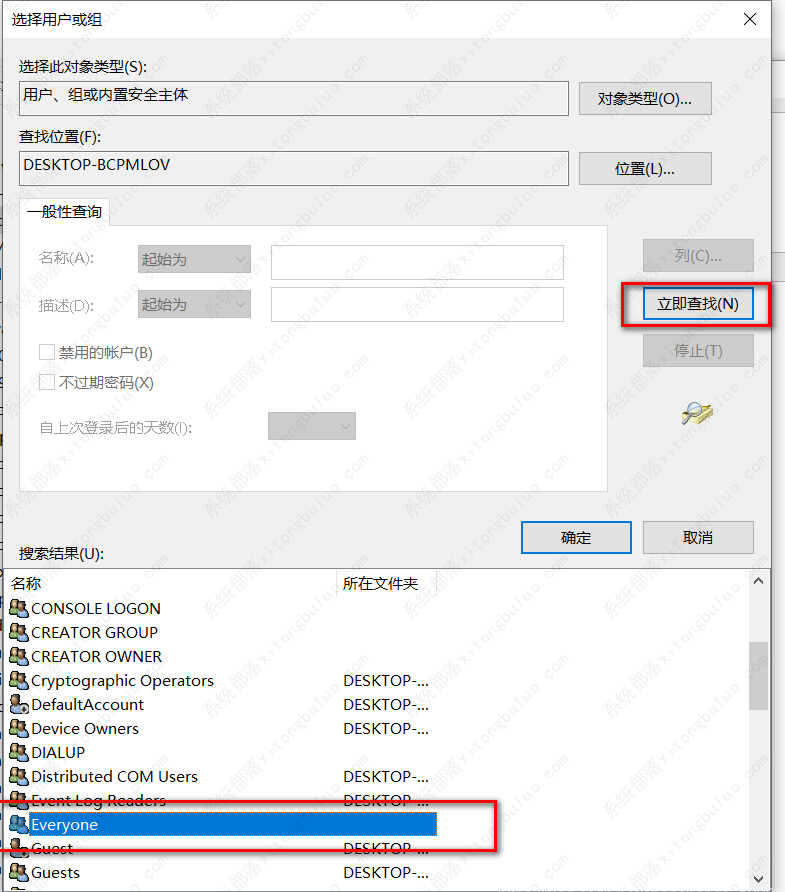
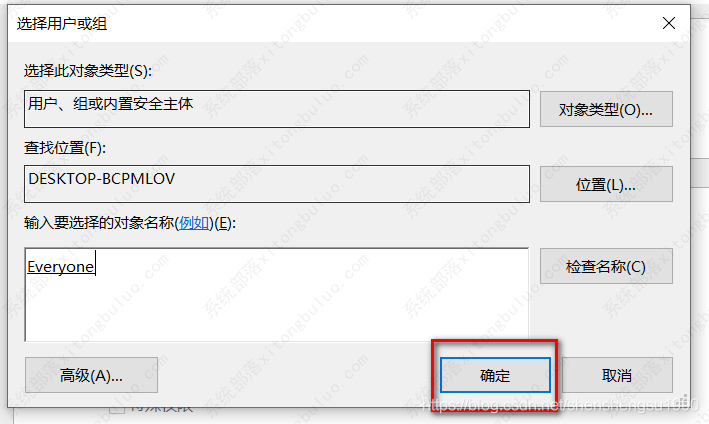
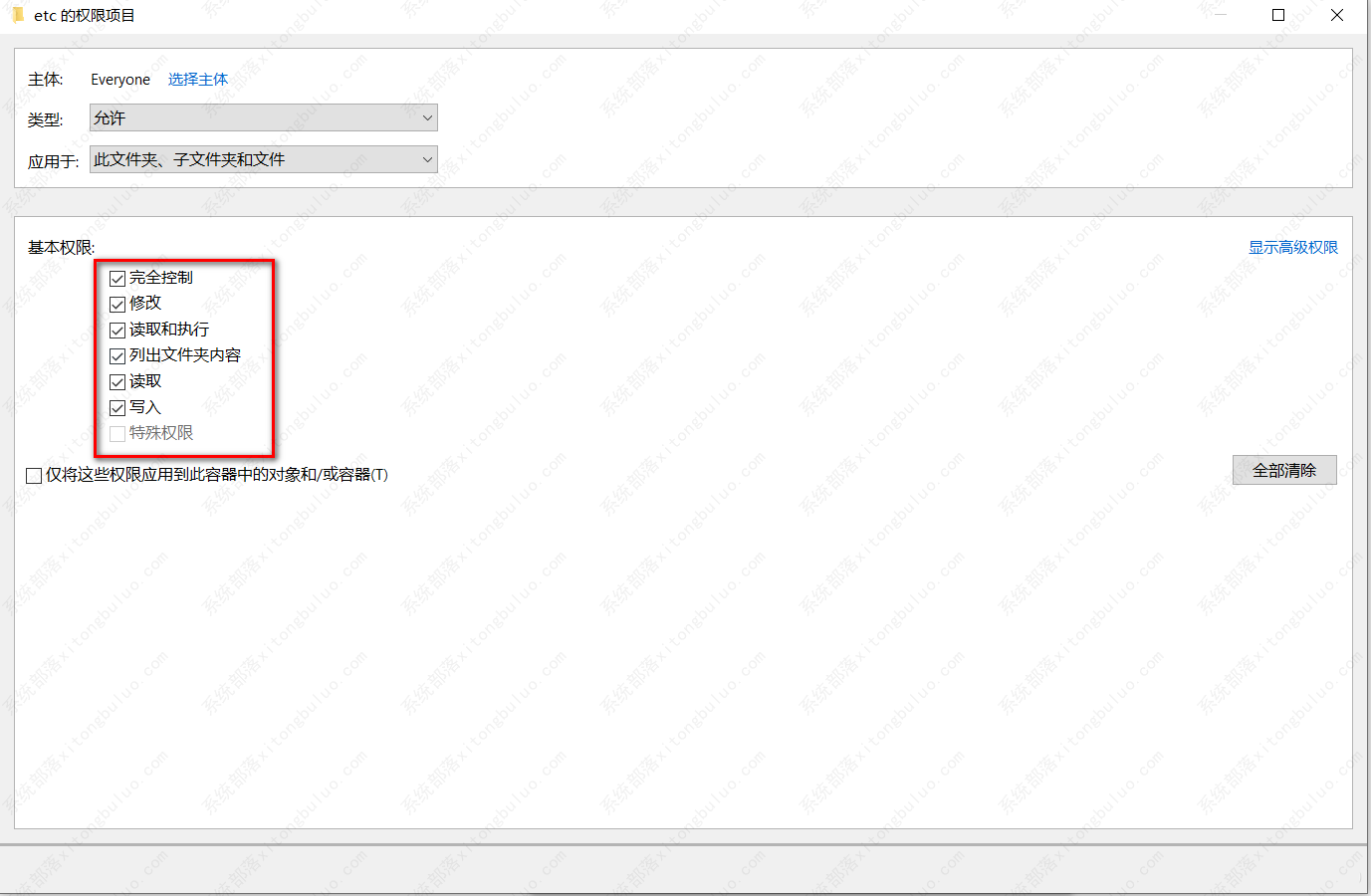
二、恢复hosts文件
进入目录C:\Windows\System32\drivers\etc
新建hosts.txt,将下面内容复制到hosts.txt中
# Copyright (c) 1993-1999 Microsoft Corp.## This is a sample HOSTS file used by Microsoft TCP/IP for Windows.## This file contains the mappings of IP addresses to host names. Each# entry should be kept on an individual line. The IP address should# be placed in the first column followed by the corresponding host name.# The IP address and the host name should be separated by at least one# space.## Additionally, comments (such as these) may be inserted on individual# lines or following the machine name denoted by a '#' symbol.## For example:## 102.54.94.97 rhino.acme.com # source server# 38.25.63.10 x.acme.com # x client host127.0.0.1 localhost然后通过重命名的方式去掉后缀,变为hosts